Accessibility
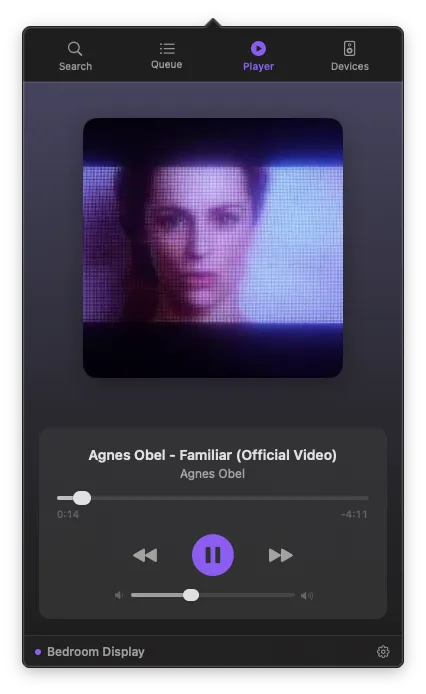
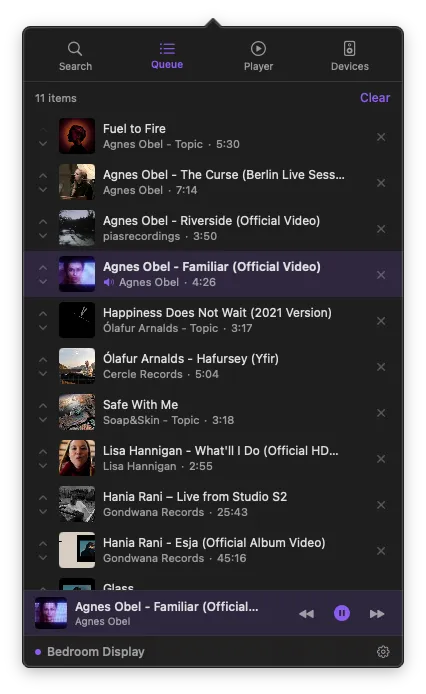
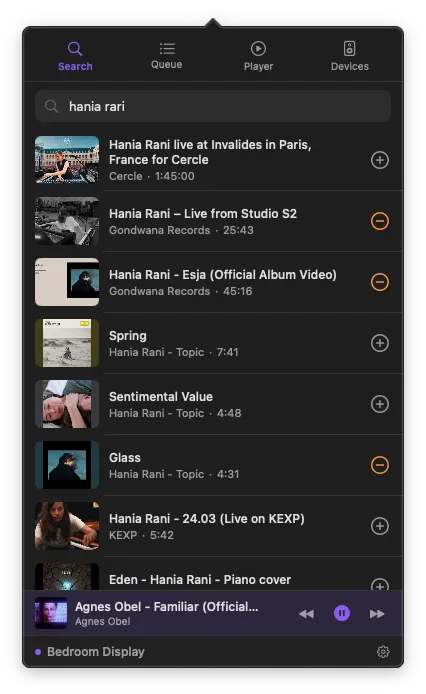
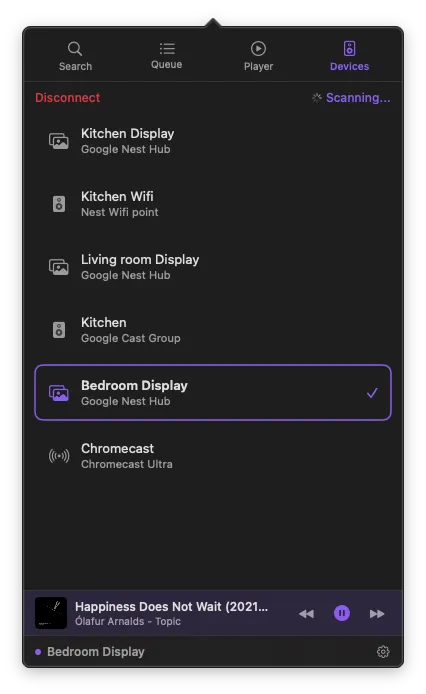
We believe everyone should be able to enjoy PurpleWave. We're committed to making the app accessible to all users, regardless of ability.
VoiceOver
PurpleWave is fully compatible with macOS VoiceOver. All controls, labels, and navigation elements are accessible and properly described for screen reader users.
Keyboard Navigation
Every feature in PurpleWave can be accessed using your keyboard. Navigate between tabs, control playback, manage your queue, and browse devices — all without a mouse.
Reduced Motion
PurpleWave respects the macOS "Reduce motion" setting. When enabled, animations are minimized throughout the app.
High Contrast
The app supports macOS Increase Contrast mode, ensuring all text and interactive elements remain clearly visible and distinguishable.
Text Size
PurpleWave adapts to your macOS preferred text size settings, making content easier to read at any scale.
Feedback
If you encounter any accessibility issues or have suggestions for improvement, please reach out to us at [email protected]. We take accessibility feedback seriously and work to address issues promptly.