Help Center
How can we help?
Everything you need to get the most out of PurpleWave.
Getting Started
Install the app, sign in with Google, and start casting in under a minute.
Connecting Devices
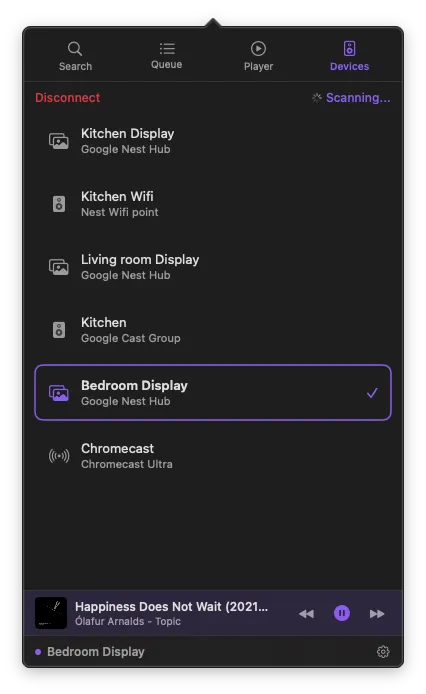
Discover Chromecast, Google TV, Nest Hub, and other Cast devices on your network.
YouTube
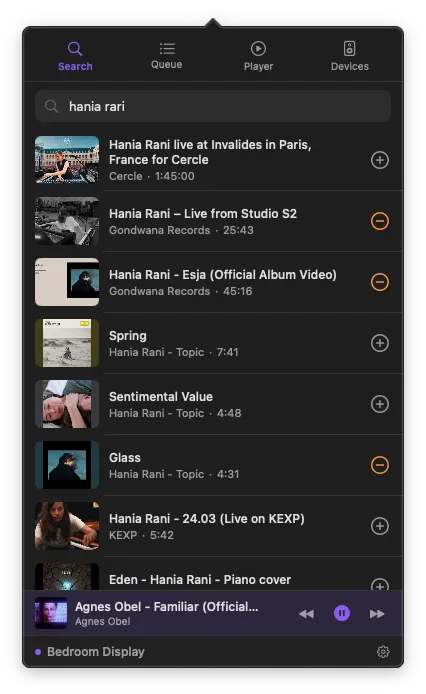
Search for videos, browse playlists, and play content on your Cast devices.
Queue & Playback
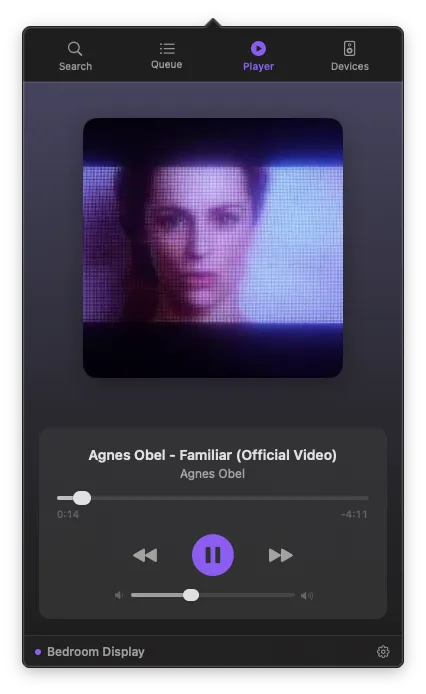
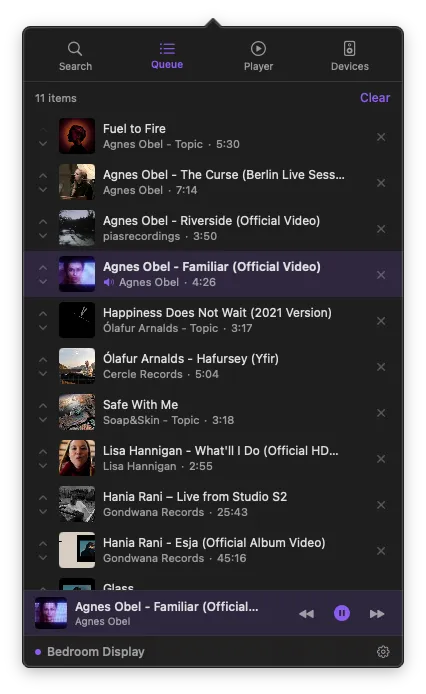
Build a queue, reorder tracks, and control playback from the menu bar.
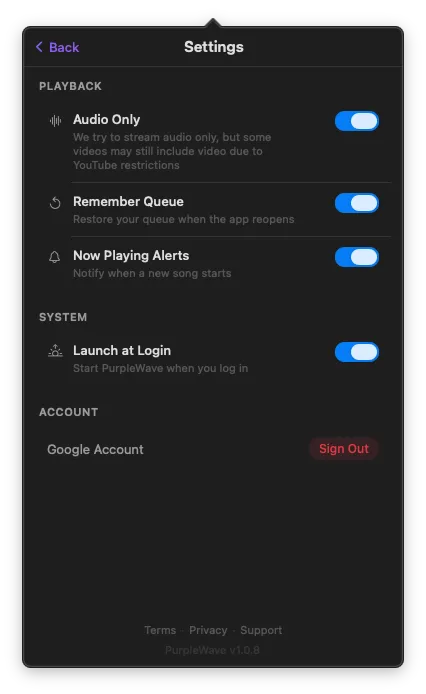
Settings
Audio-only mode, persistent queue, notifications, and account management.
Extensions
Enable and manage PurpleWave extensions in macOS System Settings.
Troubleshooting
Device not found, sign-in issues, playback errors, and other common fixes.
Quick answers
What macOS version do I need?
macOS 14 (Sonoma) or later.
Does PurpleWave collect my data?
No. All credentials stay in your macOS Keychain. No analytics or tracking in the app.
Can I cast to multiple devices at once?
You can cast to one device at a time, but you can switch between devices instantly.
What devices are supported?
Chromecast, Google TV, Nest Hub, Nest speakers, and any Cast-compatible device.
Is there an audio-only mode?
Yes. Enable it in Settings to skip video and save bandwidth.
My device is not showing up.
Make sure both your Mac and Cast device are on the same network. Check System Settings > Privacy & Security > Local Network.
Why do I see ads with YouTube Premium?
Some Cast devices (like older Chromecasts) don't have their own Google login. PurpleWave can't pass your Premium credentials to these devices — this is a Google limitation, not a bug. Devices with their own login (Nest Hub, Chromecast with Google TV) will play ad-free.
Still need help?
We usually respond within a few hours.