


Extensions
Enable PurpleWave extensions in macOS System Settings.
What are extensions?
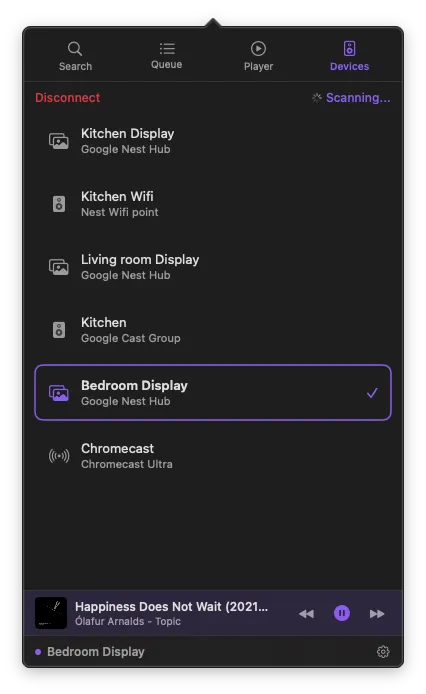
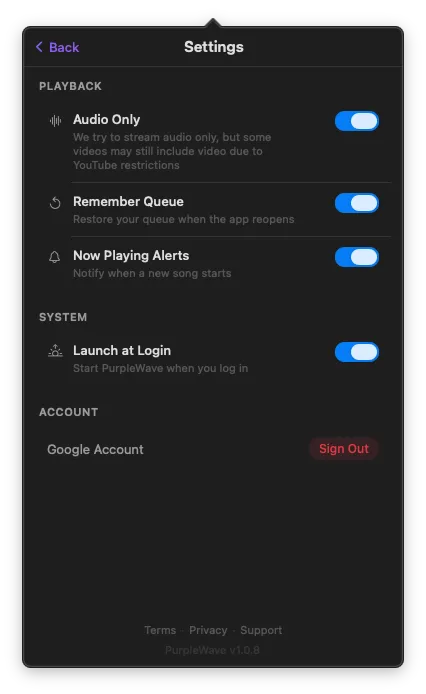
PurpleWave includes macOS extensions that integrate with system features. Extensions let you share content directly from other apps to your Cast devices and more. They are managed through macOS System Settings.
Available extensions
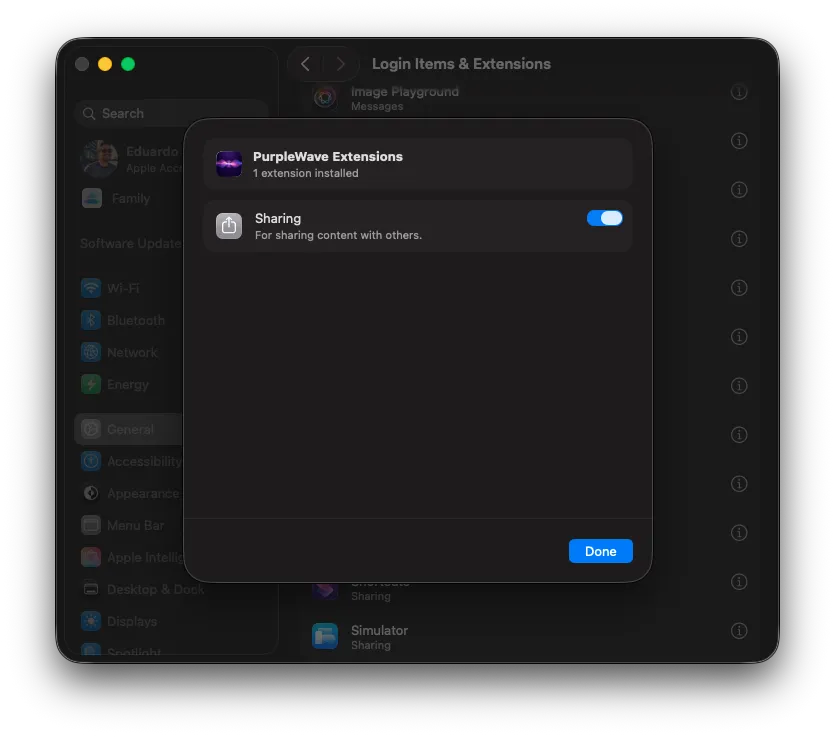
Sharing
Share content from Safari, YouTube, and other apps directly to your Cast devices via the macOS Share menu.
How to enable extensions
- 1
Open System Settings
Go to System Settings on your Mac.
- 2
Go to Login Items & Extensions
Select "Login Items & Extensions" in the sidebar under General.
- 3
Find PurpleWave
Scroll down to PurpleWave Extensions. You'll see the available extensions listed.
- 4
Toggle on
Enable the extensions you want to use by toggling them on.
Extension not working?
If an extension doesn't appear, make sure PurpleWave is installed from the App Store and has been opened at least once. Try restarting your Mac if the extension still doesn't show up in System Settings.