Help Center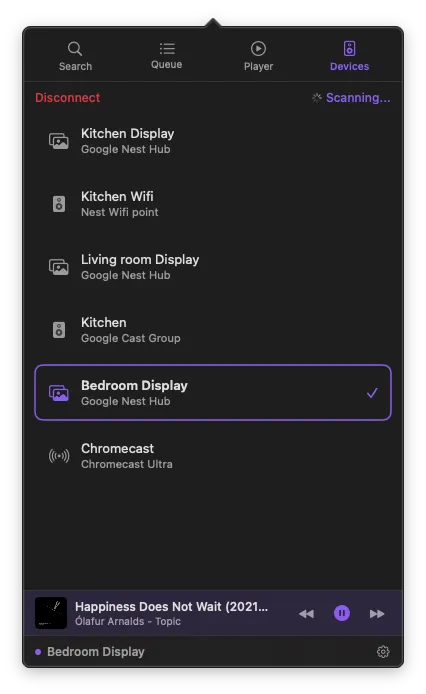
Getting Started
Up and running in under a minute.
Get started in 4 steps
1
Install
Download PurpleWave from the App Store.
2
Sign in
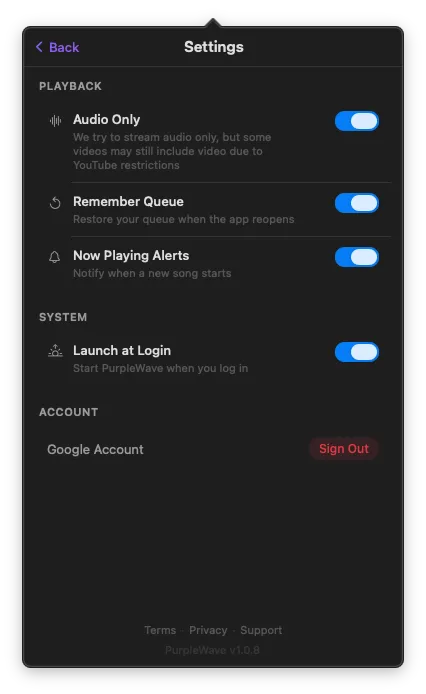
Click the menu bar icon and sign in with your Google account.
3
Connect
Go to the Devices tab and select a Cast device.
4
Play
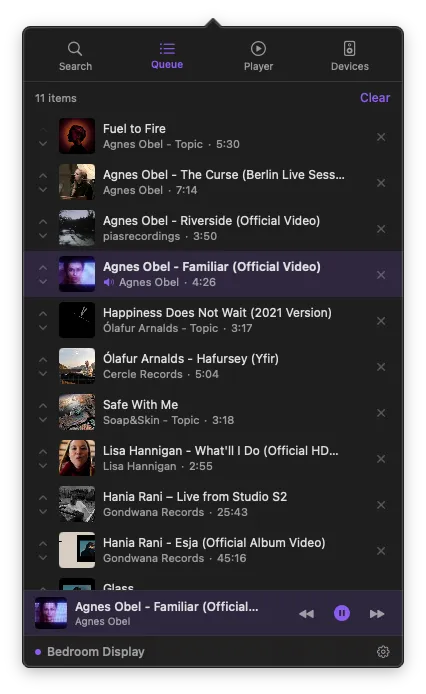
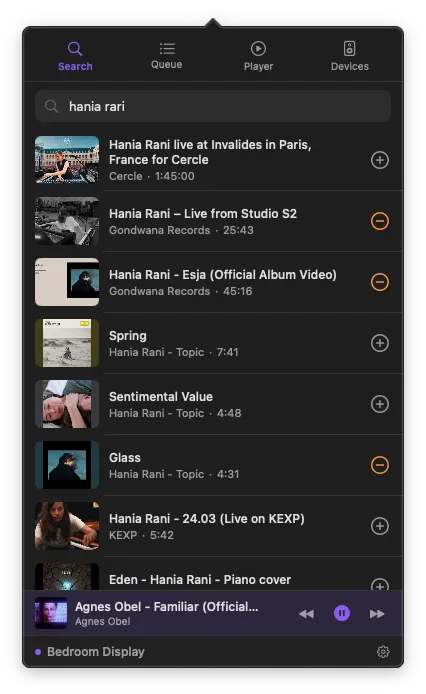
Search for a video or browse your playlists — tap to cast.
System requirements
macOS14 (Sonoma) or later
AccountGoogle account with YouTube access
DeviceChromecast, Google TV, Nest Hub, or Cast group
NetworkMac and Cast device on the same network
Where is PurpleWave?
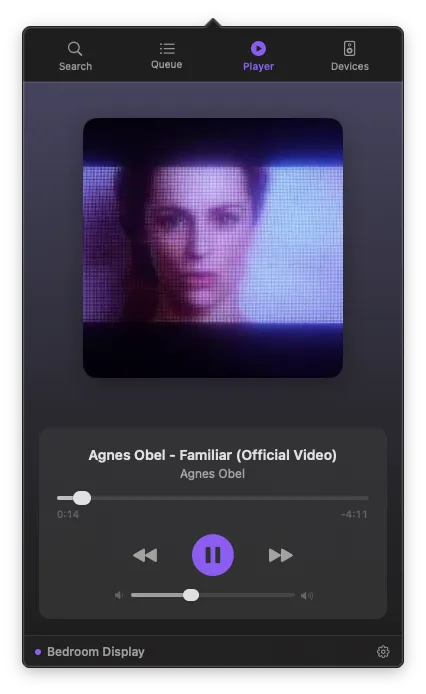
PurpleWave lives in your Mac's menu bar — the strip at the very top of your screen. Click the icon to open the app. Your credentials are stored securely in the macOS Keychain and never leave your machine.