Troubleshooting
Common issues and how to fix them.
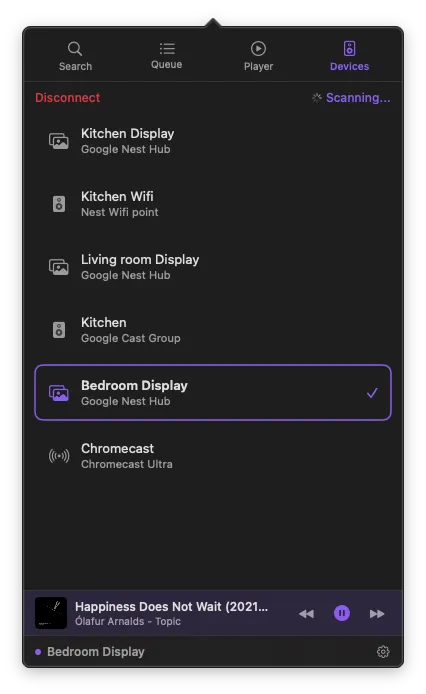
Device not found
Confirm your Mac and Cast device are on the same network.
System Settings > Privacy & Security > Local Network — allow PurpleWave.
Disconnect any VPN — VPNs can block local discovery.
Power cycle the Cast device.
Can't sign in
Make sure pop-ups are not blocked during the sign-in window.
Check your internet connection.
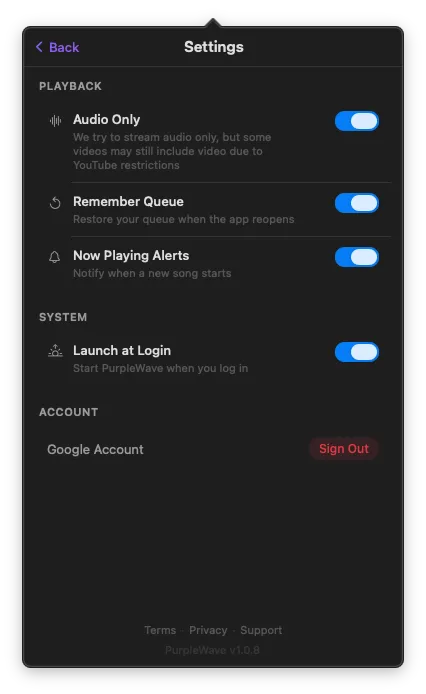
Try signing out and signing in again from Settings.
Playback stops unexpectedly
The Cast device may have lost its network connection.
Check that your Mac's energy settings don't put it to sleep while casting.
Reconnect to the device and play again.
App not in menu bar
Check Activity Monitor to confirm PurpleWave is running.
Right-click the icon > Quit, then reopen.
If the menu bar is crowded, try hiding other icons to free up space.
No sound on Cast device
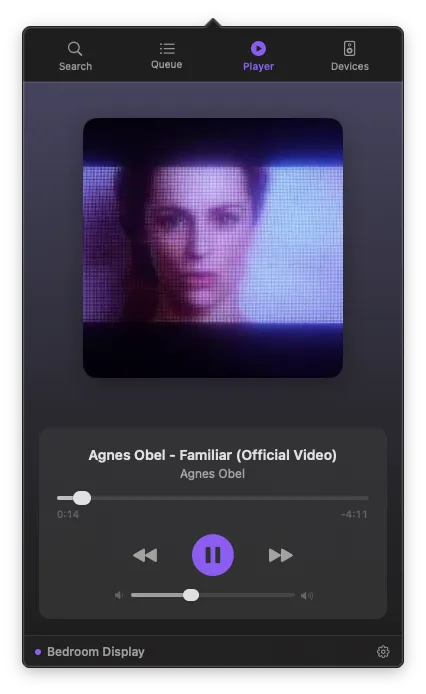
Check PurpleWave's volume slider — it controls the Cast device volume, not your Mac's.
Make sure the Cast device is not muted.
If using a Cast group, verify all members are powered on.
Video won't play
Some YouTube videos have regional restrictions or are unavailable for casting.
Try a different video to confirm your setup works.
Disconnect and reconnect to the Cast device.