YouTube
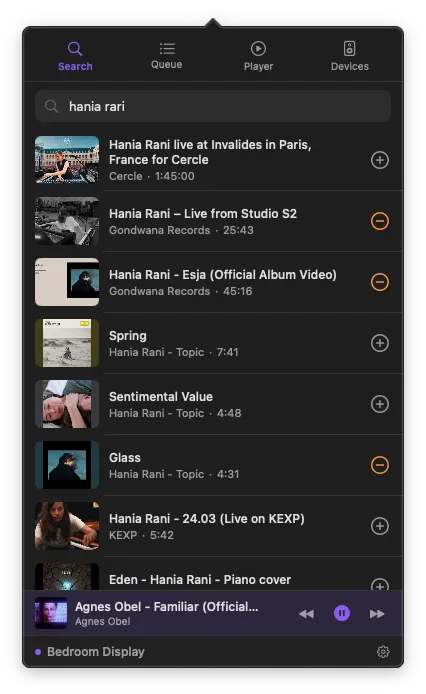
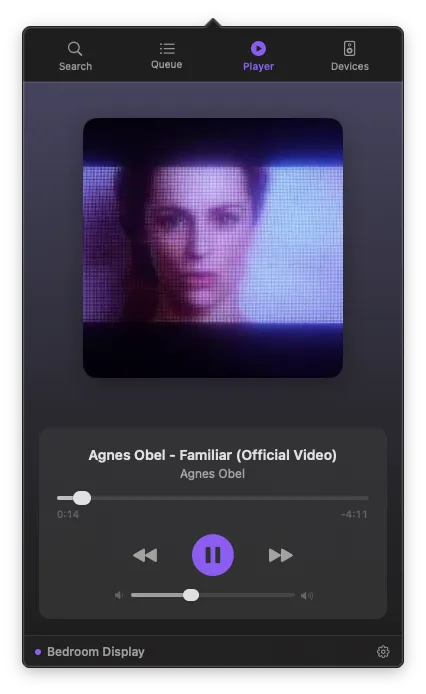
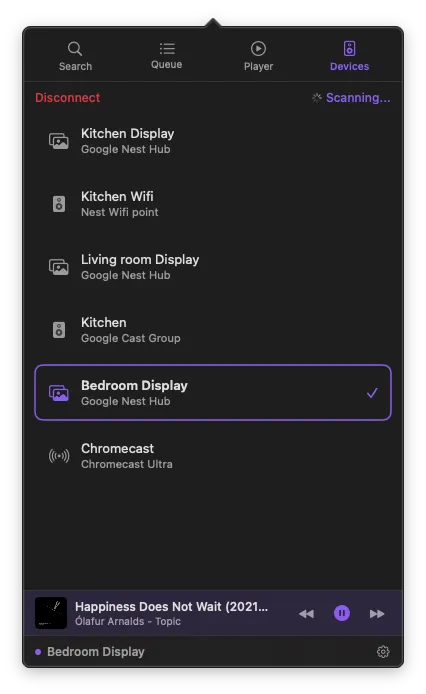
Search, browse playlists, and play content on your Cast devices.
Search
Type a song name, artist, or keyword in the Search tab. You can also paste a YouTube URL directly to play a specific video.
Your playlists
After signing in, your YouTube playlists, liked videos, and saved content are accessible directly from PurpleWave. No browser needed.
Playing & queuing
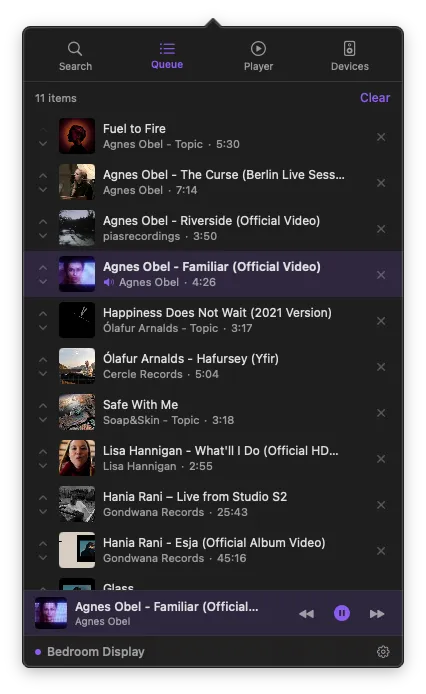
Tap a video to cast it instantly, or tap the queue button to add it to your queue for later. Works from search results and playlists.
What can I play?
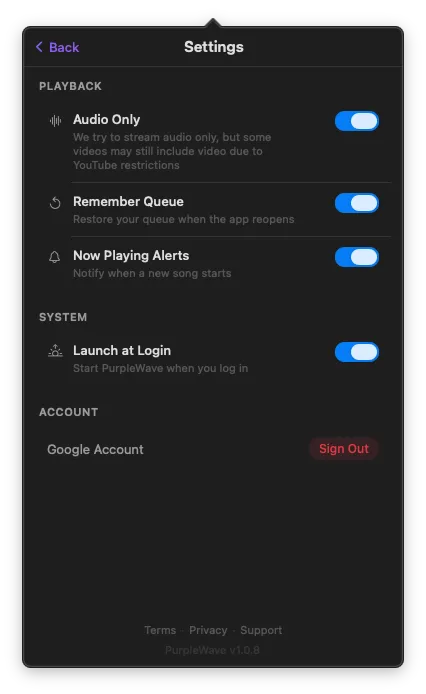
If it plays on YouTube, it plays on PurpleWave. Enable "Audio Only" in Settings to skip the video stream.
YouTube Premium & Ads
If you have YouTube Premium but still see ads on some devices, this is a Google limitation — not a PurpleWave bug.
PurpleWave uses the YouTube Lounge API to control playback. This API is anonymous and doesn't support user authentication. Google's Cast SDK only allows official apps (YouTube, Netflix) to pass credentials.
Which devices work with Premium?
| Device | Has Login | Result |
|---|---|---|
| Nest Hub / Smart Displays | ✓ | Ad-free |
| Chromecast with Google TV | ✓ | Ad-free |
| Chromecast (2nd/3rd gen, Ultra) | ✗ | Shows ads |
| TVs with Cast built-in | — | Depends on TV login |
Devices with your Google account logged in recognize your Premium status. Devices without their own login depend on the casting app — and third-party apps like PurpleWave can't pass credentials.